
Blog
Tips, inspiration and know-how on photo digitization — how to preserve family albums and prepare materials for scanning.
-

How to transfer Video8 to MP4 without losing your memories
Learn how to transfer Video8 to MP4, protect family recordings from tape deterioration and watch them conveniently on any device.
-

Digitising your grandparents’ photo album step by step
Digitising your grandparents’ album protects family photographs from damage. Learn how to prepare prints, choose file formats and send them safely.
-

How long does photo restoration take? What affects the timescale
How long does photo restoration take? Learn what affects the time needed for retouching, scanning and the safe return of family photographs, and how to prepare an order.
-

MP4 or DVD for recordings? What to choose for your archive
MP4 or DVD for recordings? See which format better protects family films, makes them easier to watch and lets you share memories safely within the family.
-

How to transfer VHS-C tapes and save family films
How to transfer VHS-C tapes without losing family recordings? See the equipment, step-by-step process, file quality and when professional digitisation is the better choice.
-

Photo restoration step by step — save the details
Photo restoration step by step: from safe scanning and retouching to files that will preserve family memories for generations to come — for years.
-

Can you colourise photographs? Yes — but with sensitivity
Can you colourise photographs while keeping their character? Yes — if you combine careful research into the era, natural colours and gentle retouching of old photographs.
-

Can a torn photograph be repaired? Yes — with care
Can a torn photograph be repaired? Learn how to protect the original, scan the damage and restore a natural look to a family keepsake without risk.
-

Does scanning damage photographs? Facts and guidelines
Does scanning damage photographs? We explain how to digitise prints safely, protect family keepsakes and choose the right method for your photos.
-

Video8 to MP4 Conversion for Family Recordings
Video8 to MP4 conversion protects family recordings from loss. See how cassette digitisation works and how to prepare tapes safely for courier shipping.
-

Guide to Scanning Family Prints
Guide to scanning prints: choose 600 or 1200 DPI, prepare photographs for digitisation and safely preserve family memories for years to come.
-

Digitising Memories Protects Family Stories
Digitising memories protects photos and tapes from the passage of time. See how to prepare your family archive for safe scanning today.
-

How to Remove Scratches from a Photo Without Losing Detail
How to remove scratches from a photo without risking the original? Learn home methods, good scanning practices and when professional photo retouching is worth choosing.
-

Scanning at 600 or 1200 DPI? Choose the right quality
Scanning at 600 or 1200 DPI? See which resolution to choose for prints, albums, photos for retouching and larger family prints on paper.
-

Restoring faded photographs, step by step
Restoring faded photographs brings back colour and detail. See what scanning and retouching can do, and how to keep family keepsakes safe for years.
-
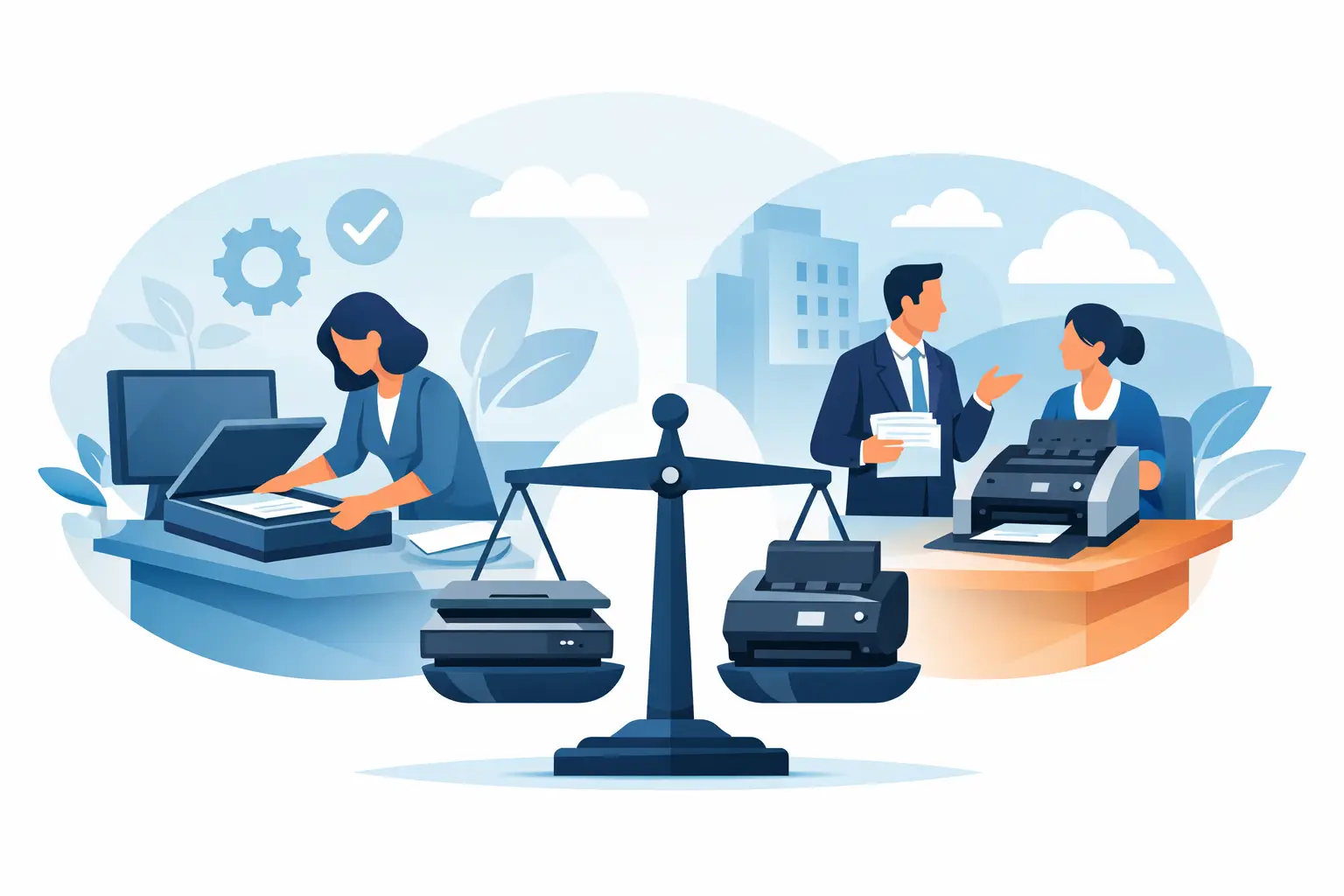
Home scanning or a professional service — what to choose?
Home scanning or a professional service? See when a home scanner is enough, and when family photographs are better entrusted to specialists.
-
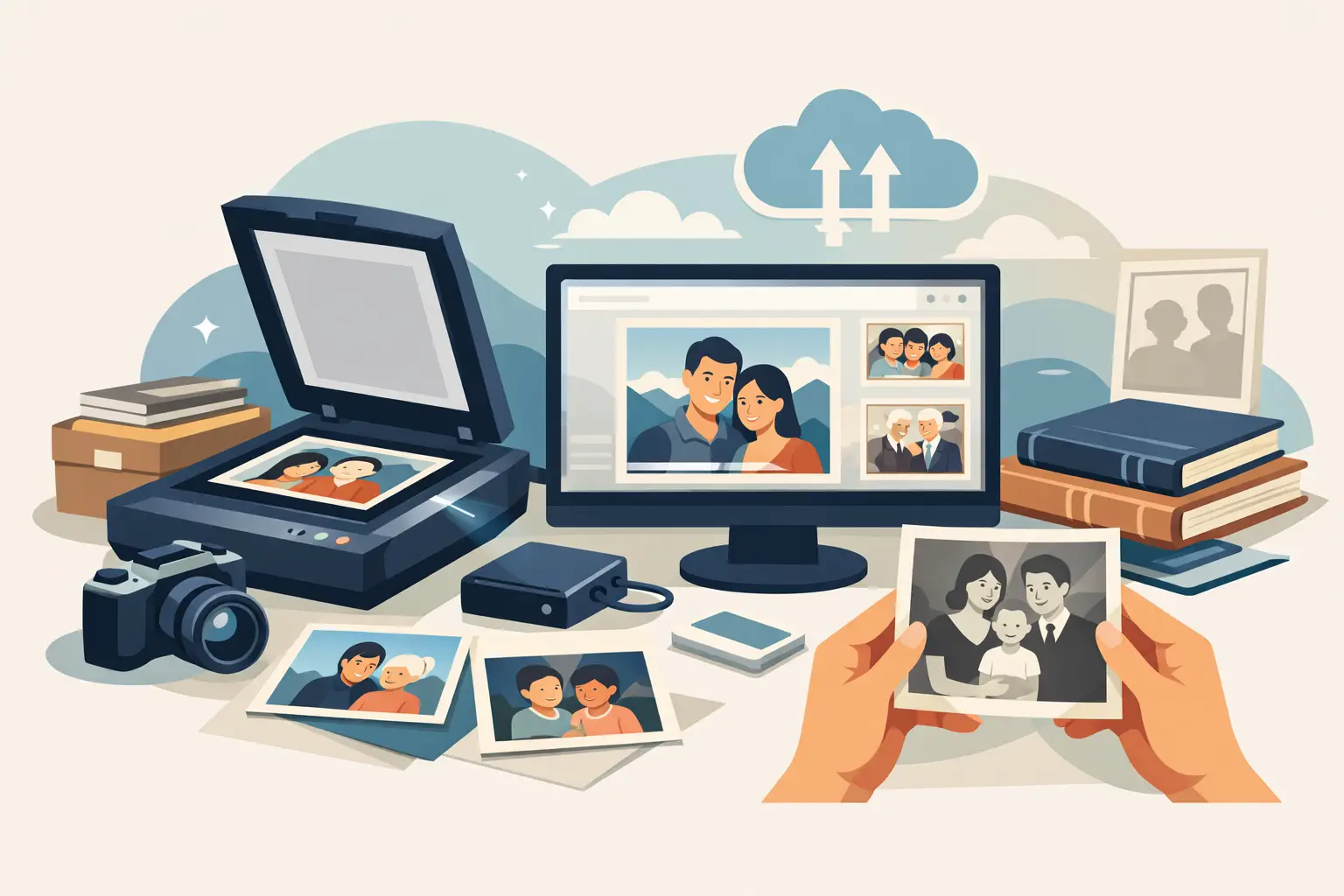
A photo scanning service for family archives
A photo scanning service protects family prints from fading and damage. See how to choose quality, retouching and insured courier return of originals.
-
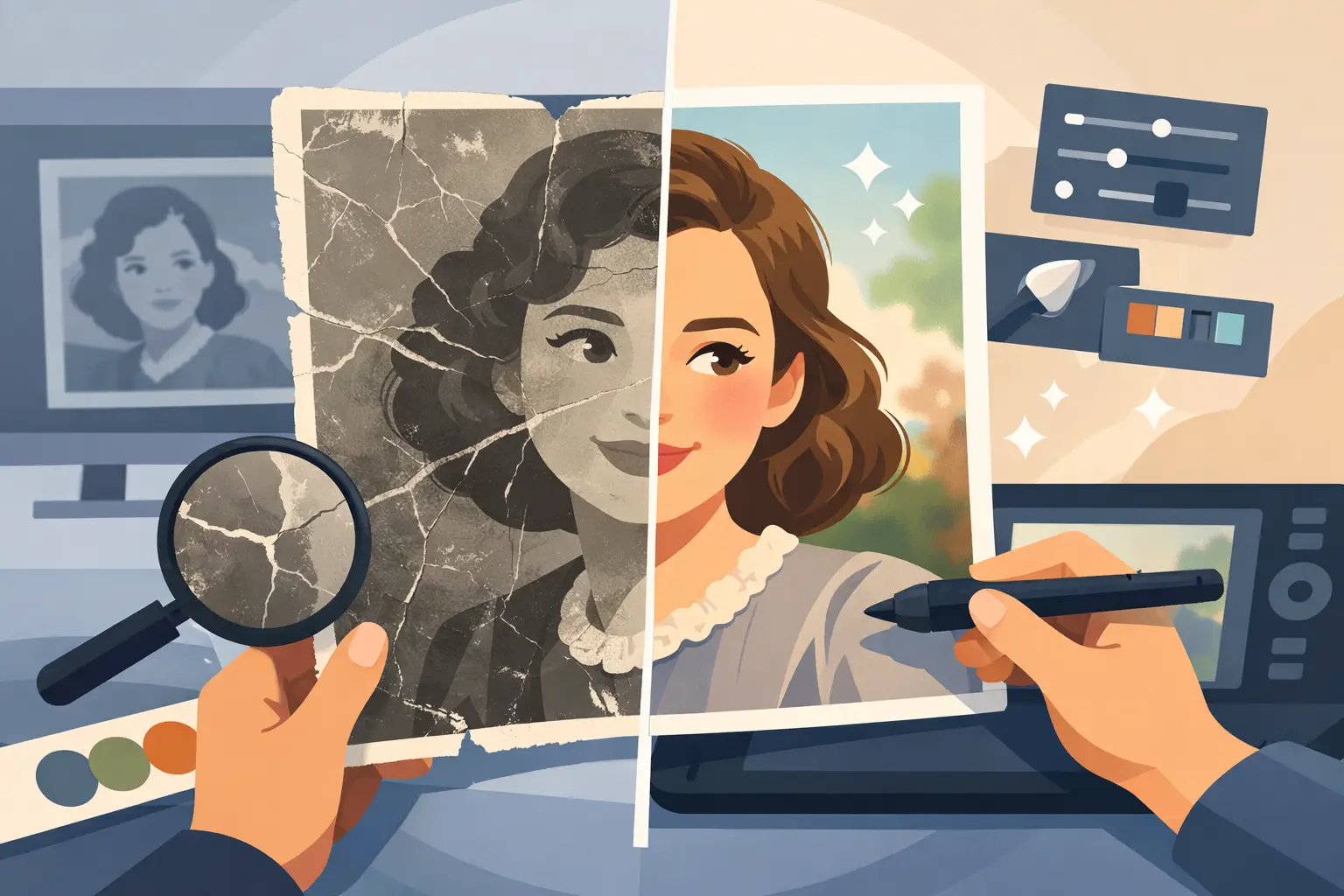
Professional photo restoration without artificial looks
Professional photo restoration removes scratches, stains and colour casts while keeping the natural character of family keepsakes. See how it works.
-
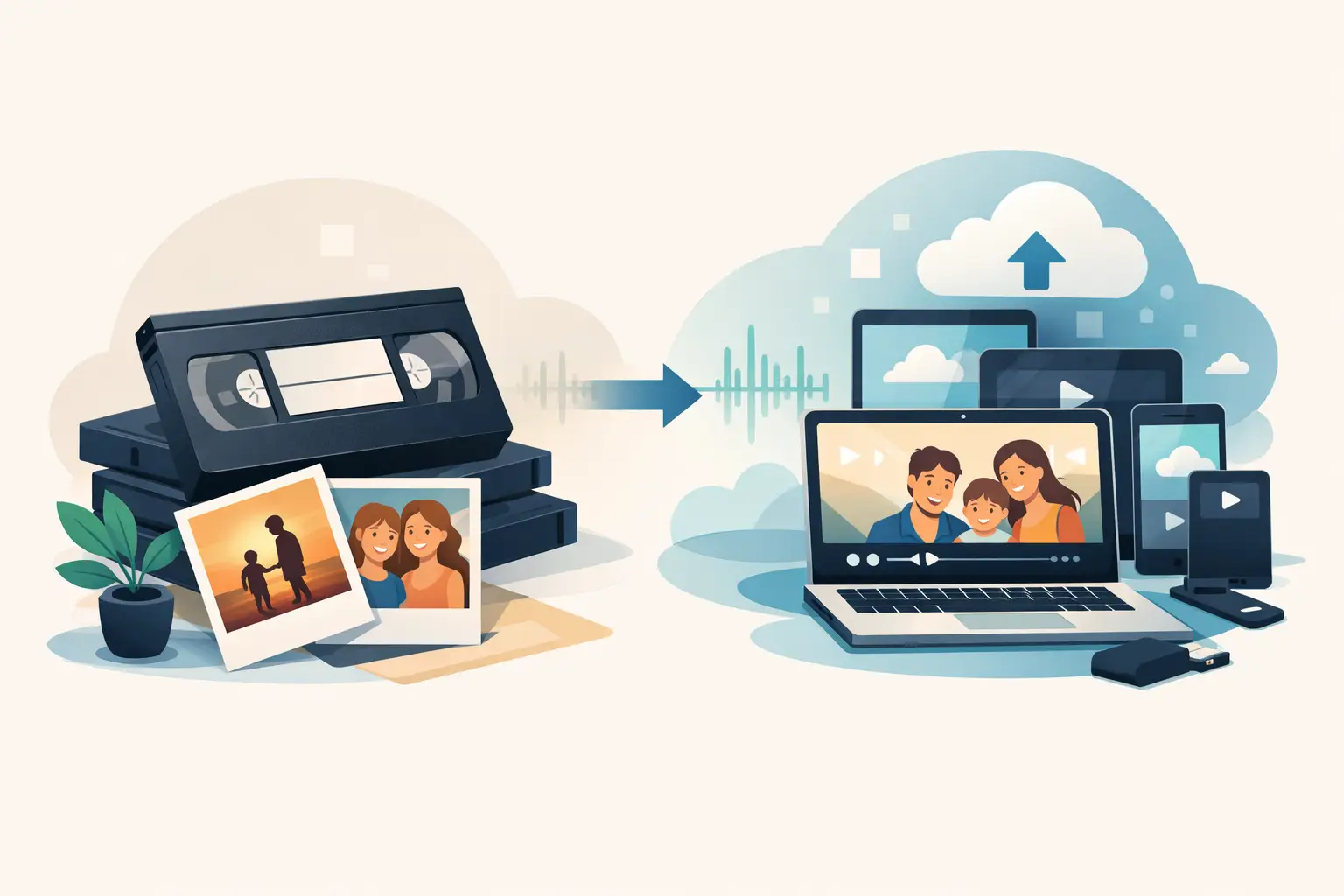
How to digitise VHS tapes without losing memories
See how to digitise VHS tapes safely, keep picture and sound, and prepare family recordings as MP4 with care for quality.
-
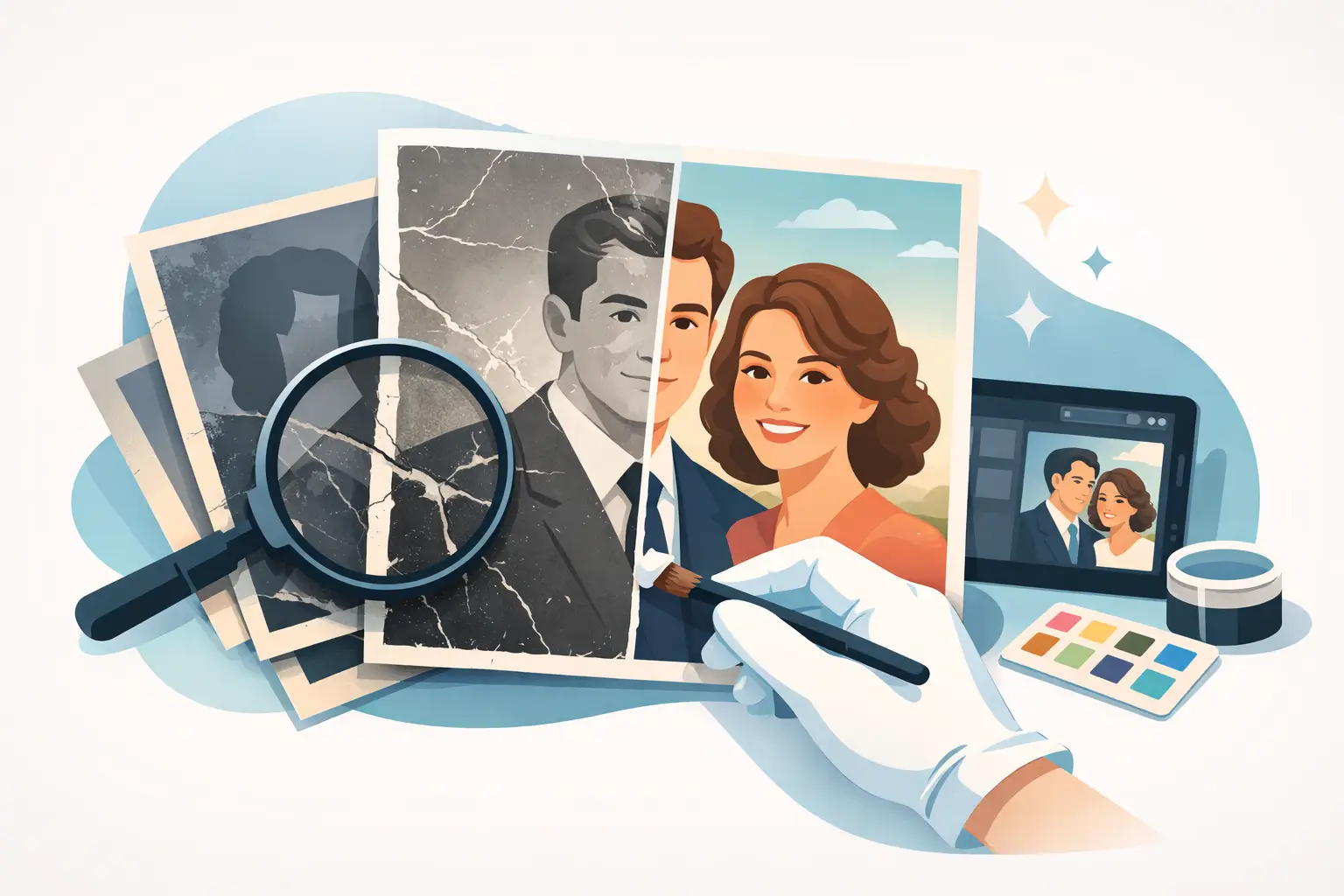
Retouching old photographs — what can be saved?
Retouching old photographs removes scratches, stains and colour casts while keeping natural facial features. See how to save family memories without risk.
-
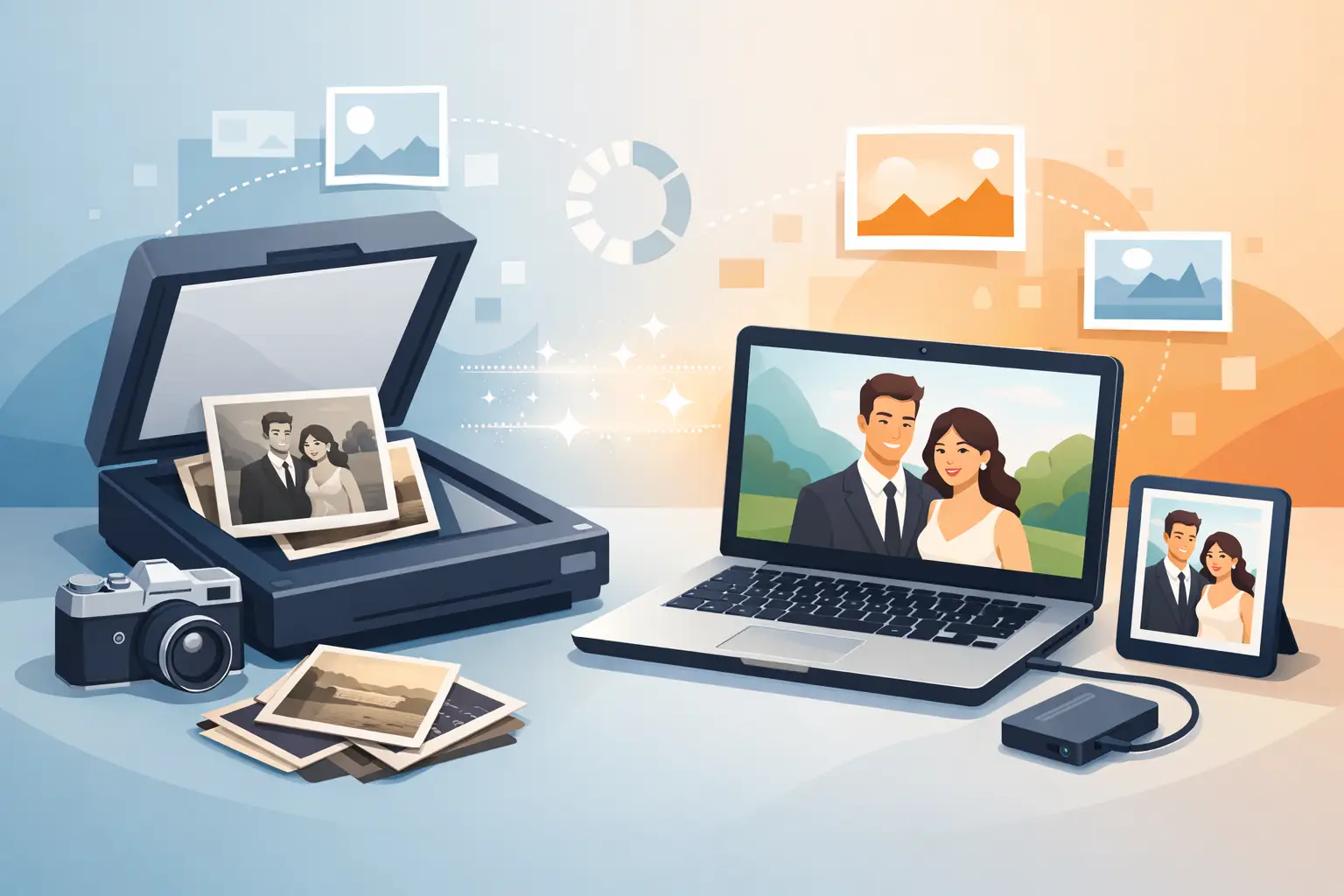
How to scan old photographs without losing detail
See how to scan old photographs without putting originals at risk. Resolution, preparing prints and archiving files safely at home.
-
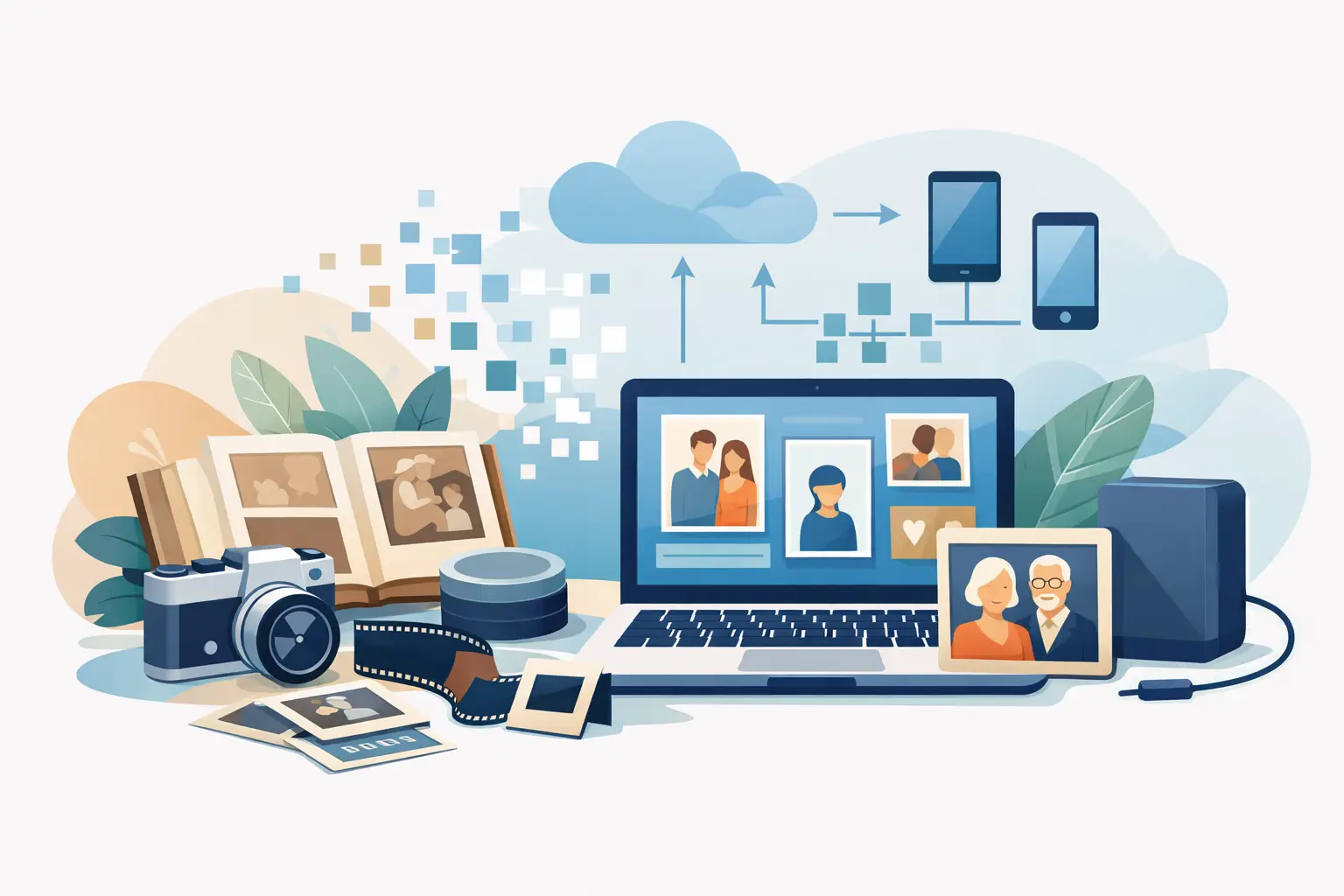
A guide to digitising family archives
This guide to digitising family archives helps protect photographs and tapes from loss and prepare files to share with relatives for years.
-
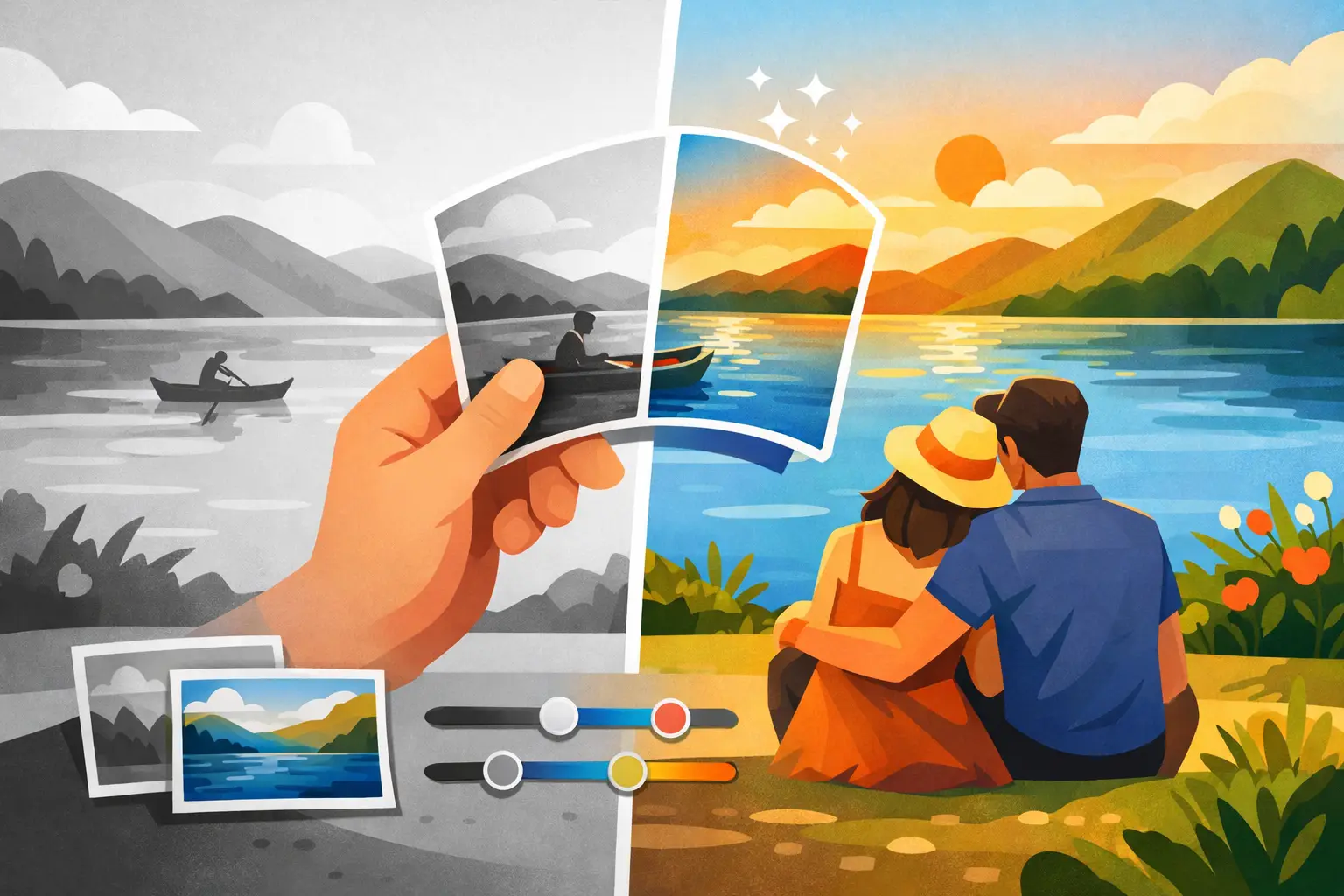
Photo colourisation brings back the colours of memory
Photo colourisation gives old portraits natural colours, emphasises emotion and helps save family memories in a safe digital form.
-
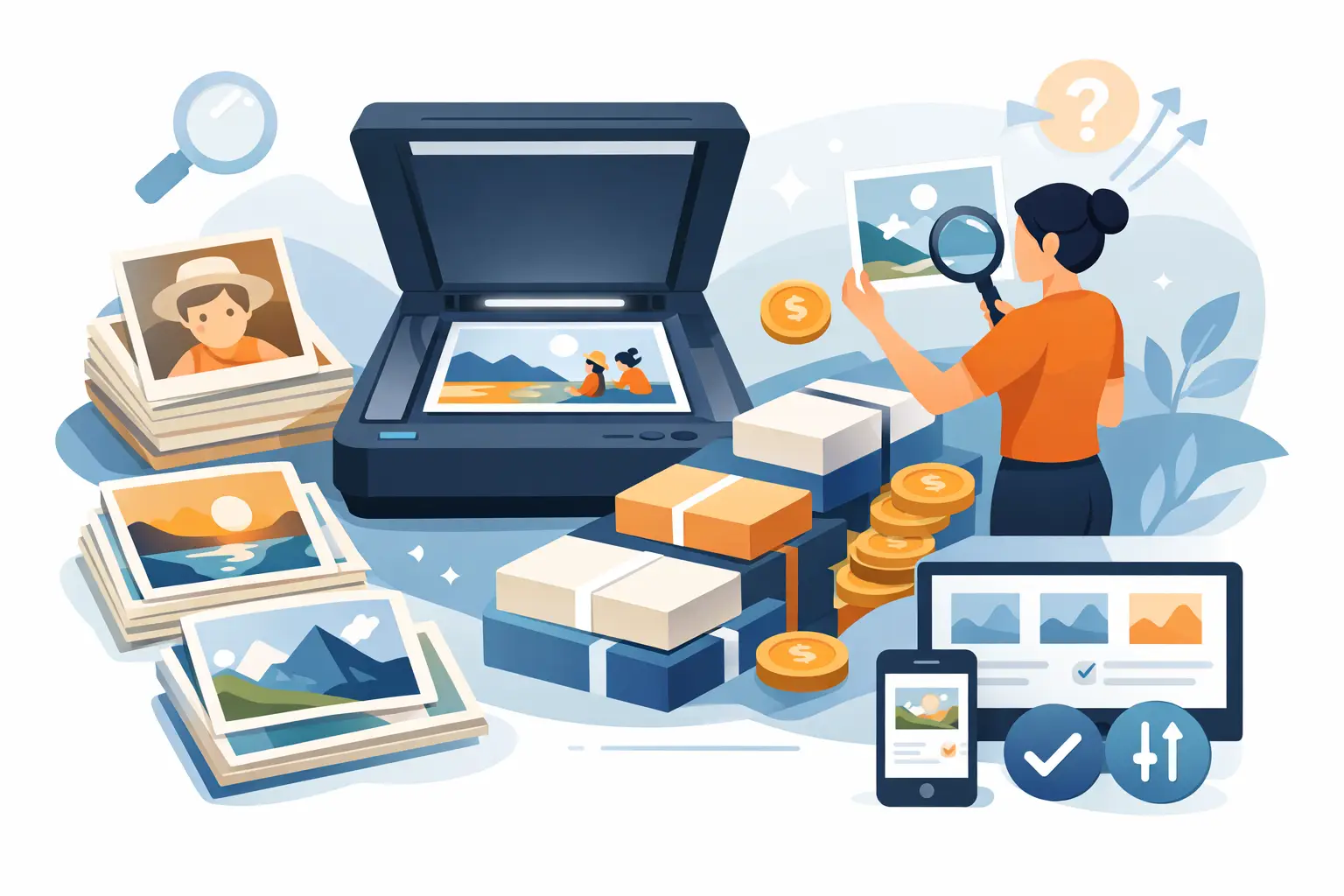
Photo scanning packages — how to choose the right one
Photo scanning packages help save family prints safely. See how to match resolution, file format and the scope of work.
-

Repairing torn photographs — what can be saved?
Repairing torn photographs can save family frames. See how to protect the original, scan the picture and restore a natural look with care.
-
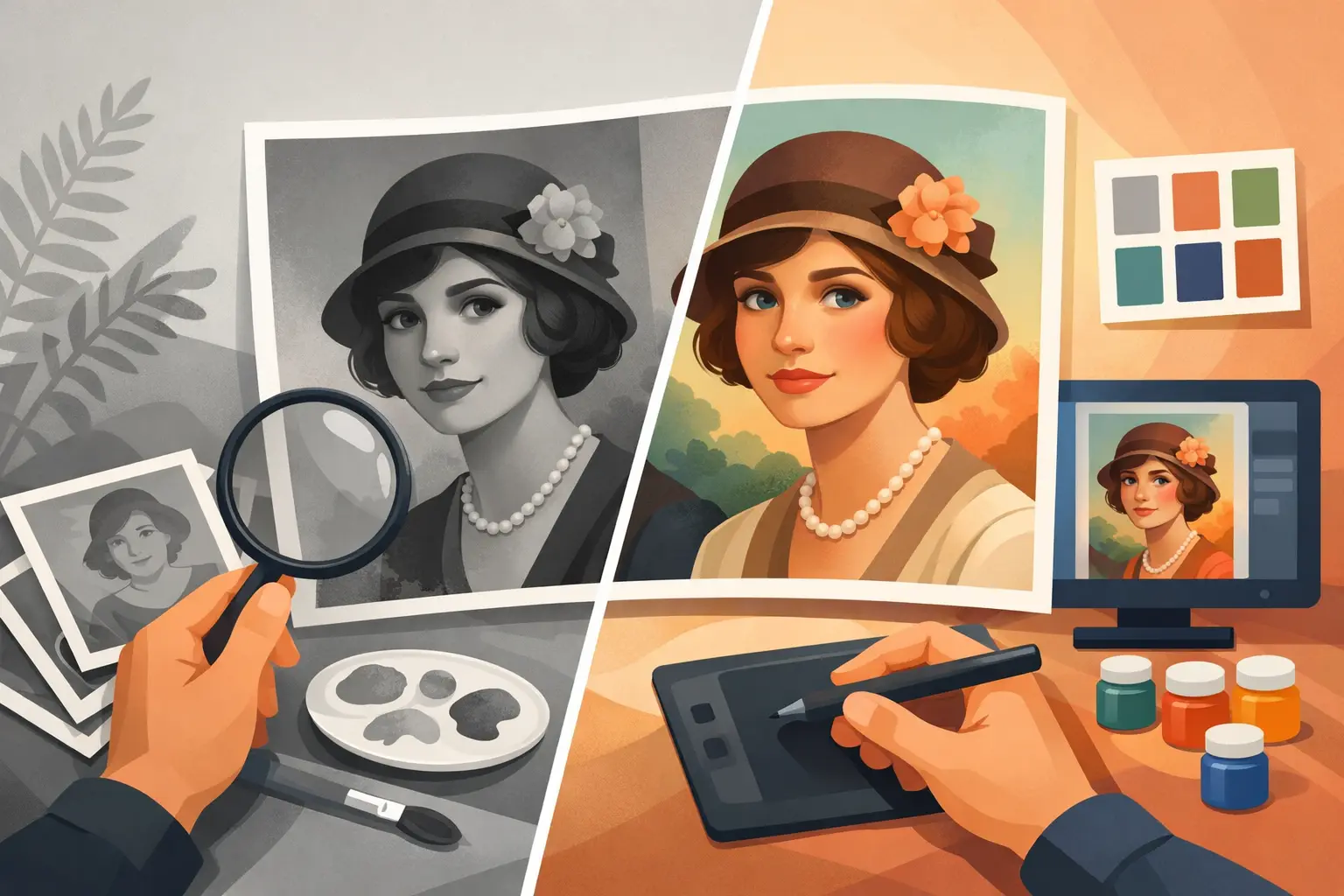
Colourising old portraits without falsifying them
Colourising old portraits restores natural colours to the faces of people close to you, with respect for the period, photographic detail and family memory.
-
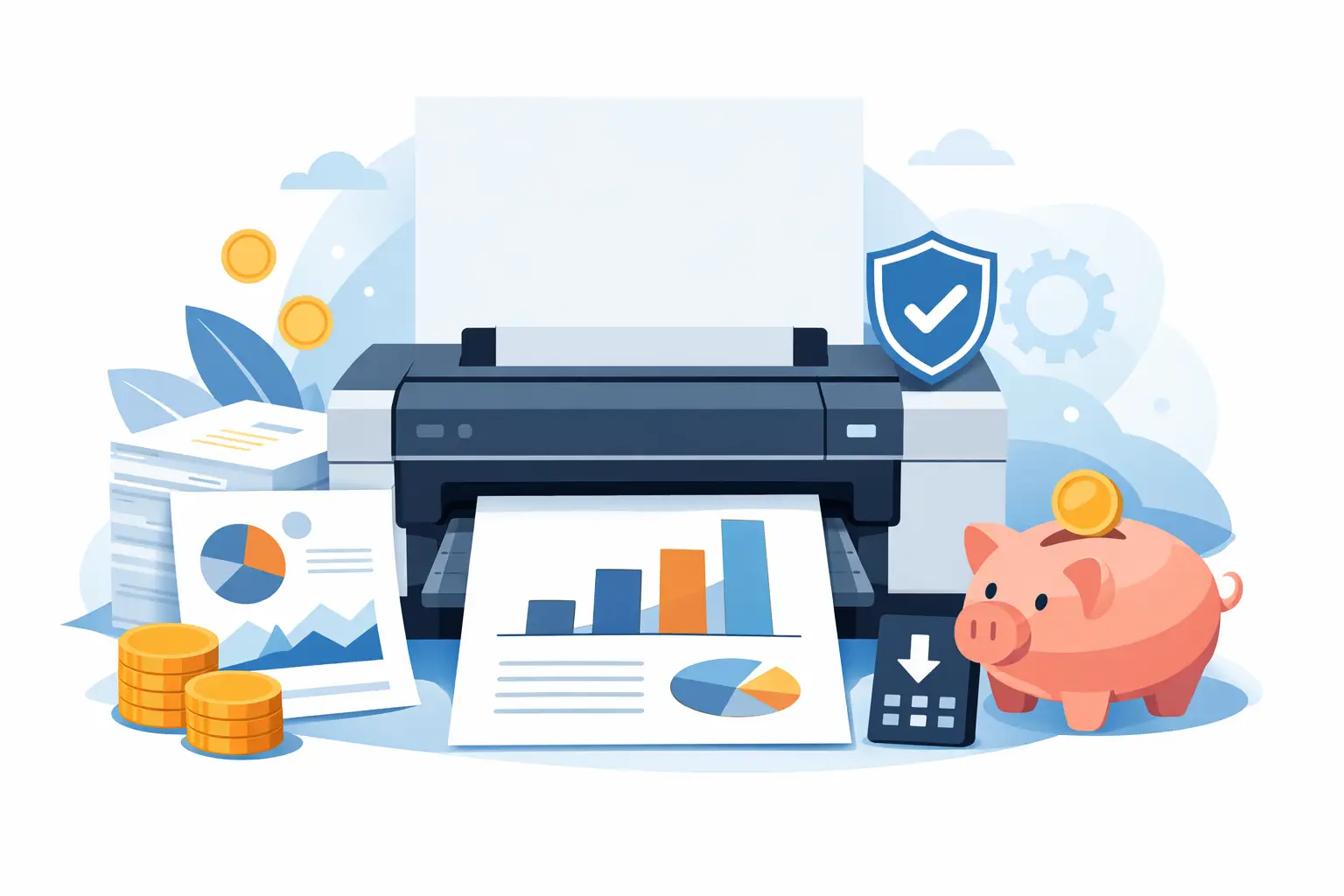
Affordable A3 document printing without unnecessary compromises
Affordable A3 document printing for plans, archives and family materials. See what affects price, quality and safe file preparation for print.
-
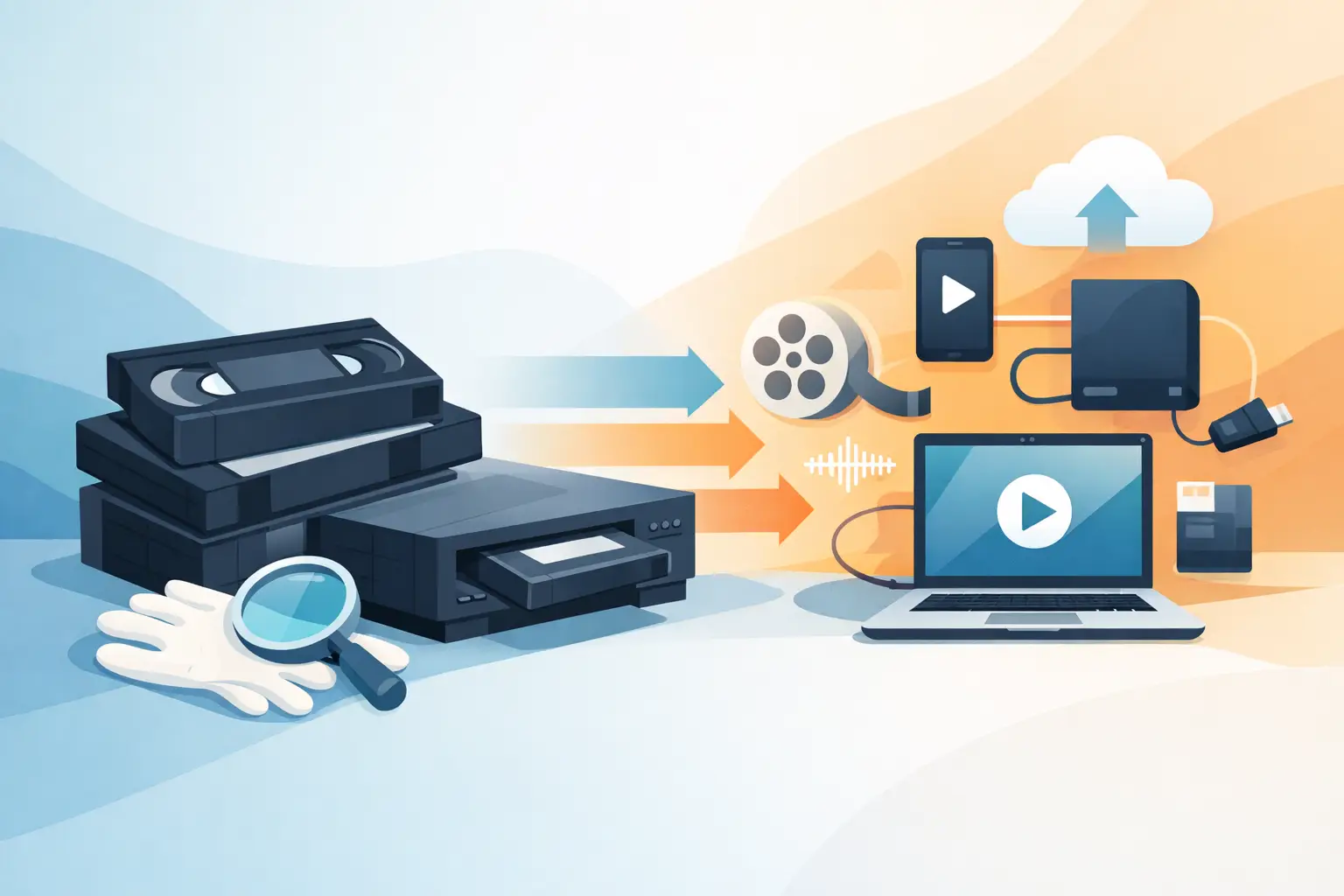
How to prepare tapes for digitisation without risk
How to prepare tapes for digitisation: recognise the format, protect the media and send them so family recordings come back safely.
-

How to share digital photographs with the family
How to share digital photographs with the family so everyone can view, download and keep them — without losing files or lowering quality.
-

How to caption family photographs in digital form
How to caption family photographs so names, dates and stories stay with the files — not only in the memory of people who still remember them.
-
TIFF for a family archive — is it worth it?
TIFF for a family archive keeps more data than JPG. See when to choose it for photo scanning, retouching and family copies that last.
-
How to store old photograph albums at home
How to store old photograph albums so paper, glue and prints last longer — and why a digital copy is a second layer of protection.
-
How to protect old photographs from damage
How to protect old photographs from damage at home: storage, careful handling and a digital copy that chance cannot take away.
-
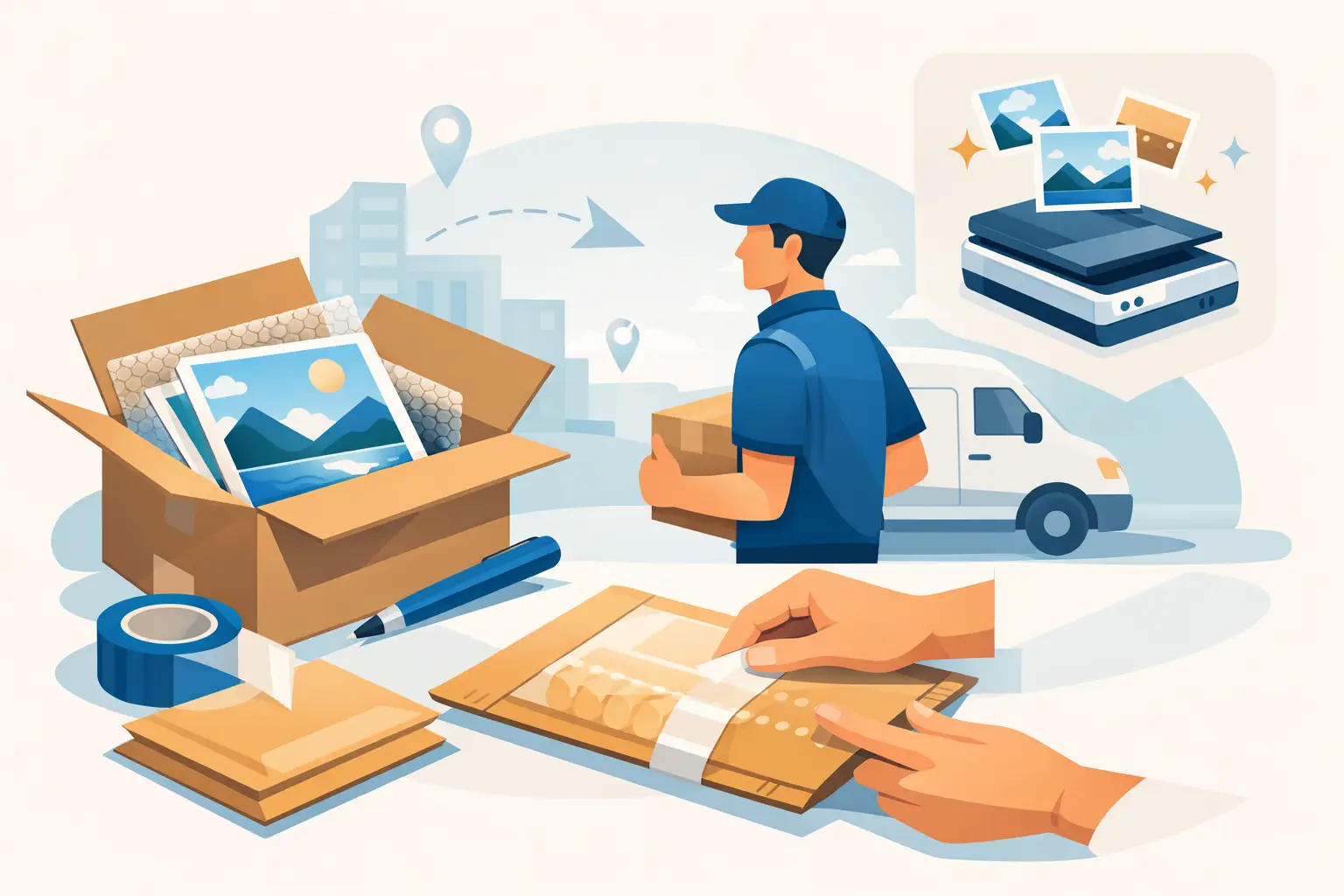
How to send photographs safely by courier
How to send photographs safely by courier: packing, stiff cardboard, documentation and insurance so family prints reach scanning undamaged.
-
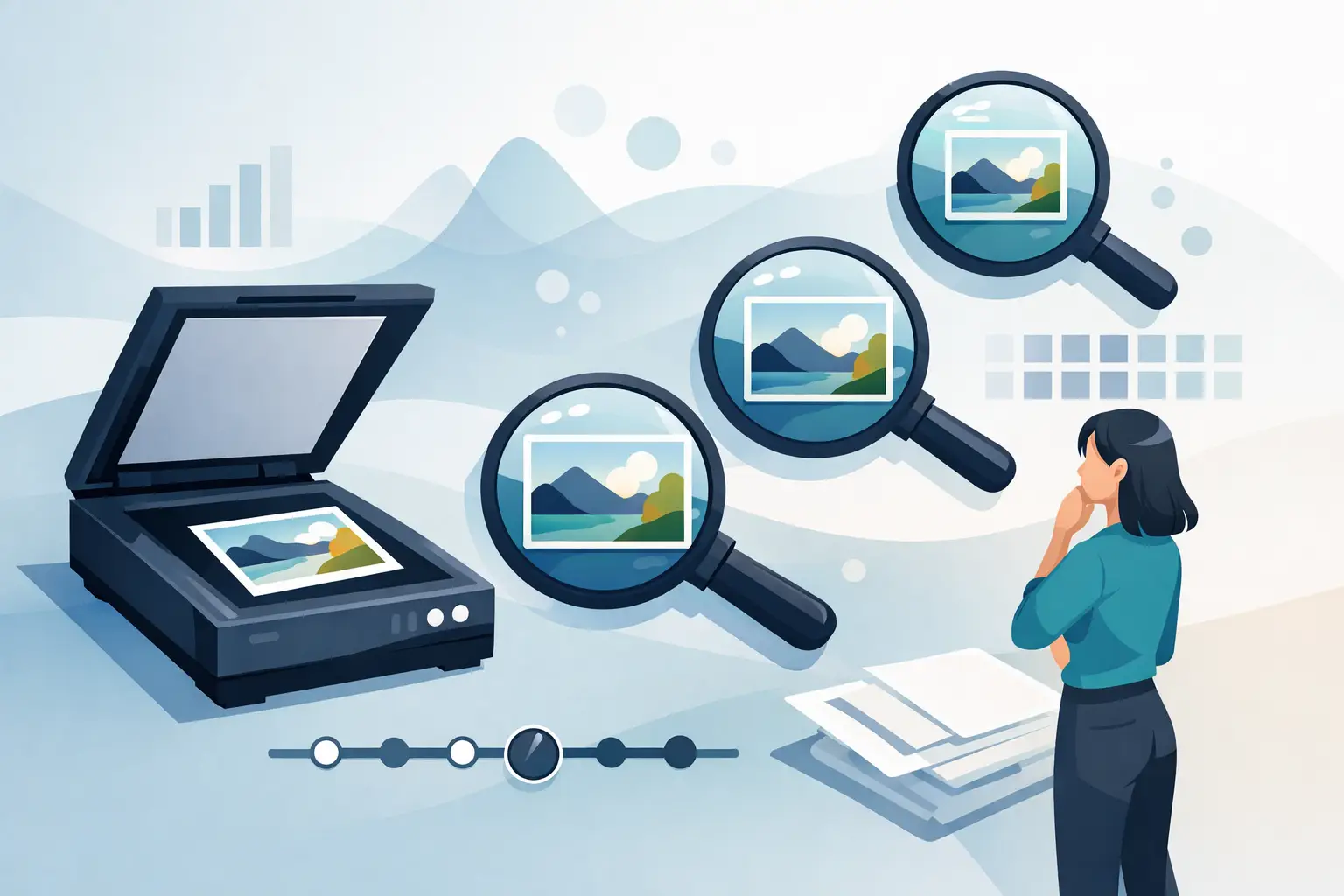
How to choose photo scanning resolution: 600 or 1200 DPI
How to choose photo scanning resolution: when 600 DPI is enough, when 1200 DPI is worth it, and how DPI relates to retouching, print and file size.
-

How much does photo scanning cost? Prices and choices
How much does photo scanning cost? See what affects the price, when to choose 600 or 1200 DPI, and how to save family albums and prints for years.
-

A digital photo frame with your photographs at home
A digital photo frame with your photographs lets you look at family memories every day. See how to prepare pictures for a family slideshow.
-
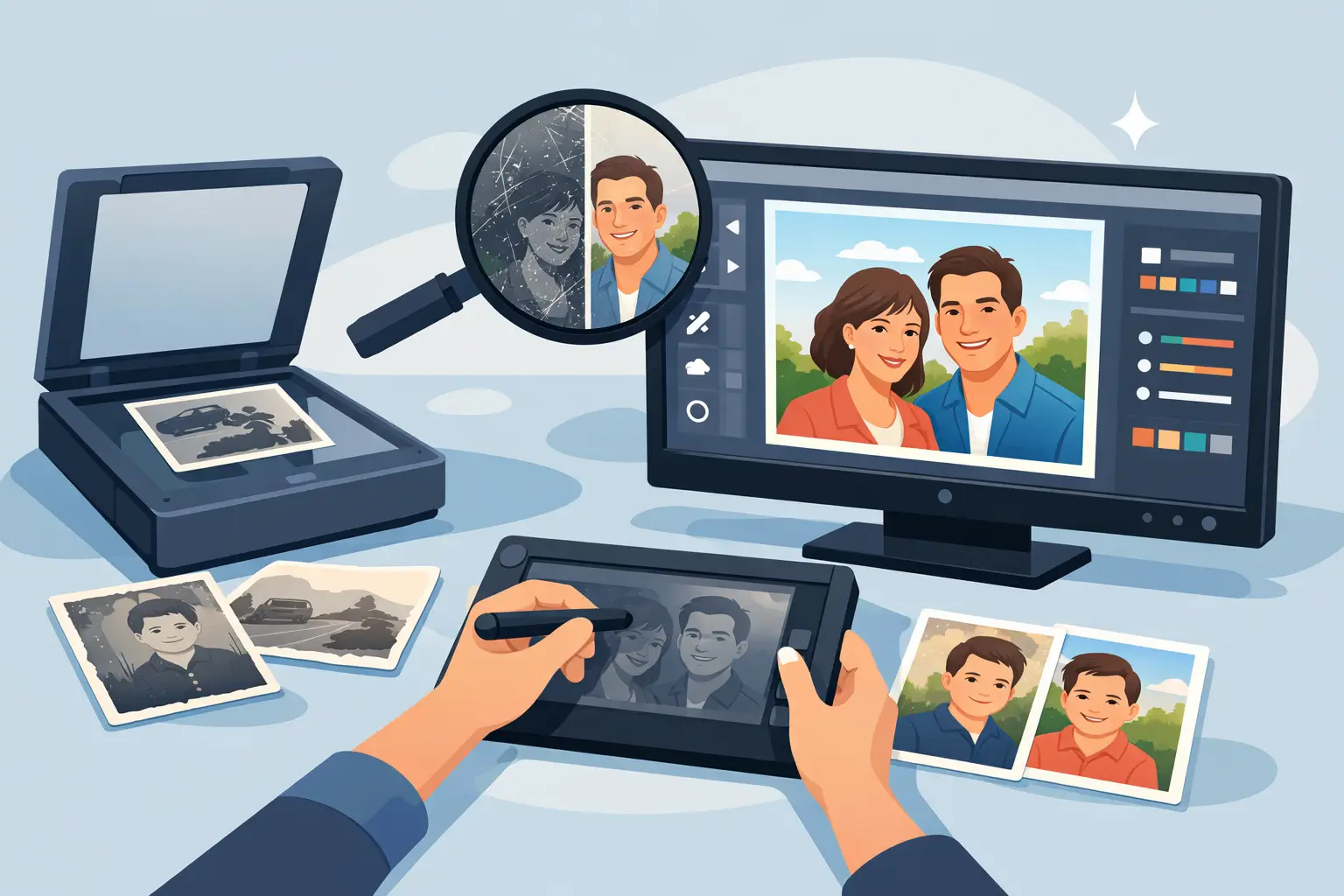
Scanning and retouching old photographs
Scanning and retouching old photographs: how digitisation and restoration differ, when to choose 600 or 1200 DPI, and how to protect originals.