
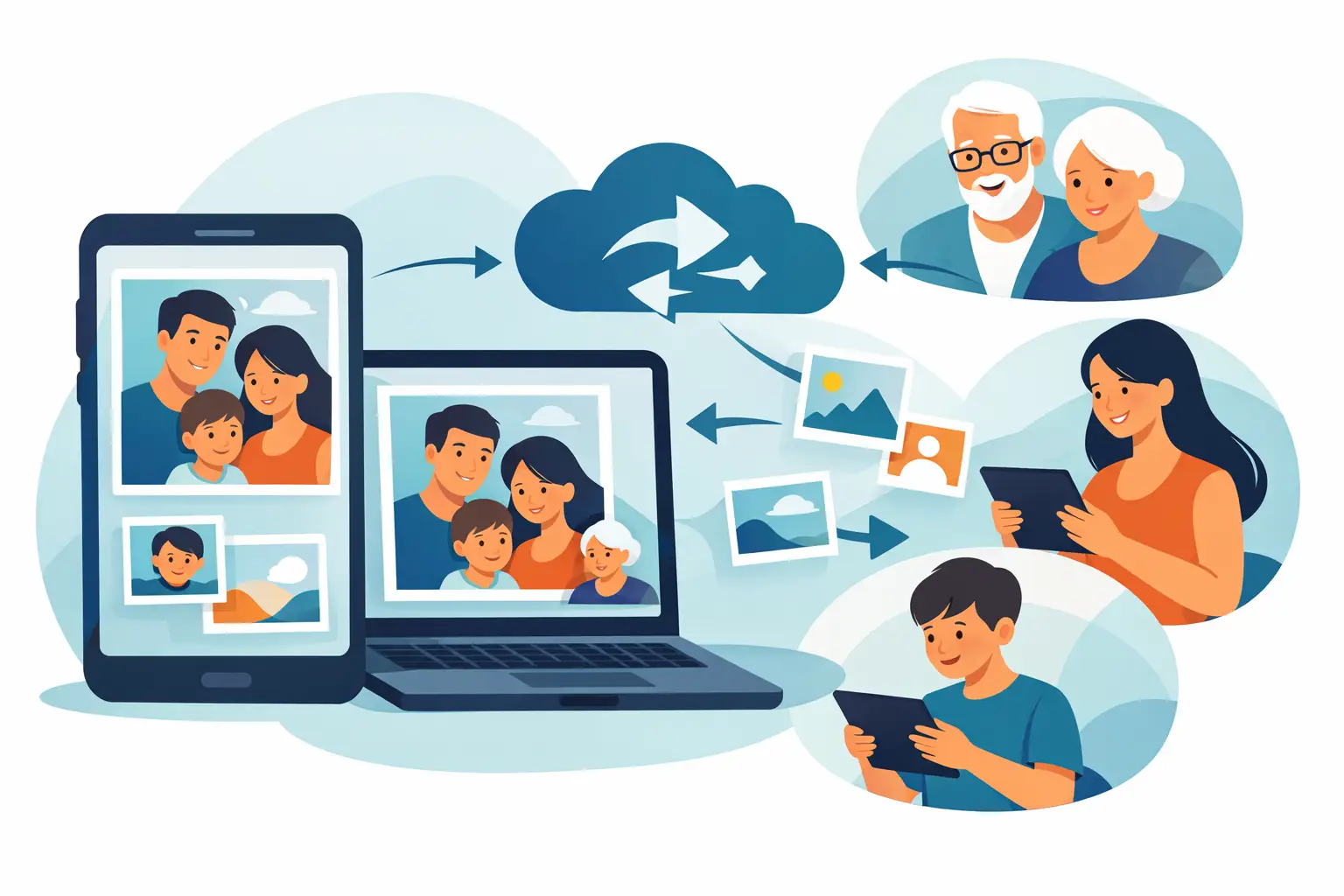
A photograph of grandmother in the school yard, the first family car, parents’ wedding on a faded print — such frames should not stay locked in one album or on one home computer. Once photographs have been scanned, a practical question appears: how to share digital photographs with the family so everyone can view, download and keep them, without losing files or lowering their quality?
A good method depends on the number of pictures, the age of relatives and whether the archive is mainly for shared viewing or also for long-term storage. It is best not to choose one solution for everything. A shared album can be convenient day to day, and a separate backup will protect family memories from accidental loss.
First, prepare photographs for sharing
Before you send anyone the first folder, spend a moment on order. A family archive quickly becomes unreadable when it contains files named “IMG_0001” or several almost identical versions of the same portrait.
Divide photographs into main folders by years, people or events. For example: “Grandparents”, “1970s”, “Seaside holiday 1984” or “Family Christmas”. Within folders it is worth giving files simple names: “1982-06_Anna-and-Jan-wedding_01”. A date at the start keeps a natural order, and a description means the photograph can be found without browsing hundreds of thumbnails.
If you know the story of a photograph, add it in the folder description or in a separate text document. Who is in the picture? Where was it taken? For what occasion? For the older generation that is often obvious, but in a dozen years the knowledge may vanish. Digitisation protects the image; a caption helps save its context as well.
It is also worth distinguishing archival files from versions meant for quick viewing. A high-resolution TIFF scan gives wide scope for later retouching or printing, but it can be very large. For a family album online, good-quality JPG files are usually more convenient. Do not shrink or overwrite the original scans — keep them in a separate, protected place.
How to share digital photographs with the family: choose a convenient way
The simplest solution is a shared cloud folder. You can invite selected people by e-mail and decide whether they may only view photographs or also add their own files. That works well for siblings or cousins who want to build the archive together.
Before sending invitations, check privacy settings. A family folder should not be open to anyone who happens to receive a link. Choose access limited to named people, especially when the archive includes photographs of children, documents, pictures from private ceremonies or material you do not want published widely.
Sharing via the cloud has one large advantage: when you add new photographs, the family sees the current archive at once. It also has a limit — some relatives may not feel confident with accounts, passwords and apps. In that case prepare a short instruction in a few sentences: where to click, how to view the album and how to download a chosen photograph. That small help often decides whether the digital archive is actually used.
A second option is to send the family a ready parcel of photographs. It works for a smaller number of files, for example after scanning one album or preparing pictures for a round birthday. Do not, however, send dozens of photographs one by one through a messenger. Apps often automatically reduce quality, so the recipient gets a convenient preview, but not a file suitable for print.
If quality matters, send a folder or ZIP archive through a secure file-transfer service or share it in the cloud. Leave the messenger for a few of the most precious frames that simply bring a smile and encourage the family to look at the whole collection.
A digital frame for people who prefer watching to clicking
Not everyone has to use online folders to take part in family history. For grandparents or parents who use a computer less often, a digital frame with a carefully prepared slideshow is a very good solution. It is enough to switch it on for old portraits, photographs of children and holiday frames to return to the house every day.
This is especially valuable when photographs have already been scanned, cleaned of dust and gently restored. Natural retouching can bring back the readability of faces, colours and small details, but it should not change the character of the photograph or smooth it beyond recognition. At StareZdjęcia a digital frame can be prepared with a ready presentation of the family archive, so a close person does not have to copy files and set up a slideshow themselves.
A frame does not replace a backup. It is a beautiful way of everyday contact with memories, but the full files should still be stored independently.
Keep control of quality and privacy
When sharing photographs it is easy to confuse convenience with safety. Publishing a whole archive on social media may seem quick, but it takes away some control over who will see the pictures and how the platform will process them. Photographs are also usually compressed there, which limits their usefulness for later printing.
Before you share photographs more widely, consider whether everyone visible in them wants that publication. This applies especially to contemporary photographs of children and private events. A family folder with access for invited people is usually a more reasonable choice than a public post.
It is also worth agreeing a simple rule: high-resolution files are for the family archive and prints, and reduced versions can be sent on or published after agreement. The agreement need not be formal. It does, however, protect against a situation in which the only well-prepared copy is accidentally compressed, altered or lost among hundreds of messages.
One copy is not enough
Sharing photographs with the family is not the same as securing them for good. If a folder exists only in one place, a device failure, loss of account access or accidental deletion can take the whole archive from you. The safest course is to keep at least three copies: on the main computer or drive, on an external medium and in a trusted cloud.
Keep the external drive in a different place from the computer. When both devices sit next to each other, they will not protect photographs from flooding, theft or fire. Every few months open a few folders and make sure the files still work. That small effort gives peace of mind for years.
If someone in the family is especially involved in ordering keepsakes, it is good that they have access to the main copy, but is not its only guardian. Pass on instructions: where archival files are, what the recovery passwords are and which folders hold the highest-quality scans. Shared memory needs shared responsibility.
Give the archive a family dimension
Files alone do not always encourage viewing. From time to time you can prepare a small album for an anniversary, send the family a series of photographs of one ancestor, or ask relatives to identify people on uncaptioned prints. That is when digital photographs stop being a data set and start a conversation between generations.
Do not wait until every photograph is perfectly described and restored. Start with one album, one family event or a few dozen of the most important prints. When relatives see old faces, places and moments brought back to life, they often add the missing stories themselves — and that is the most valuable addition to any archive.