
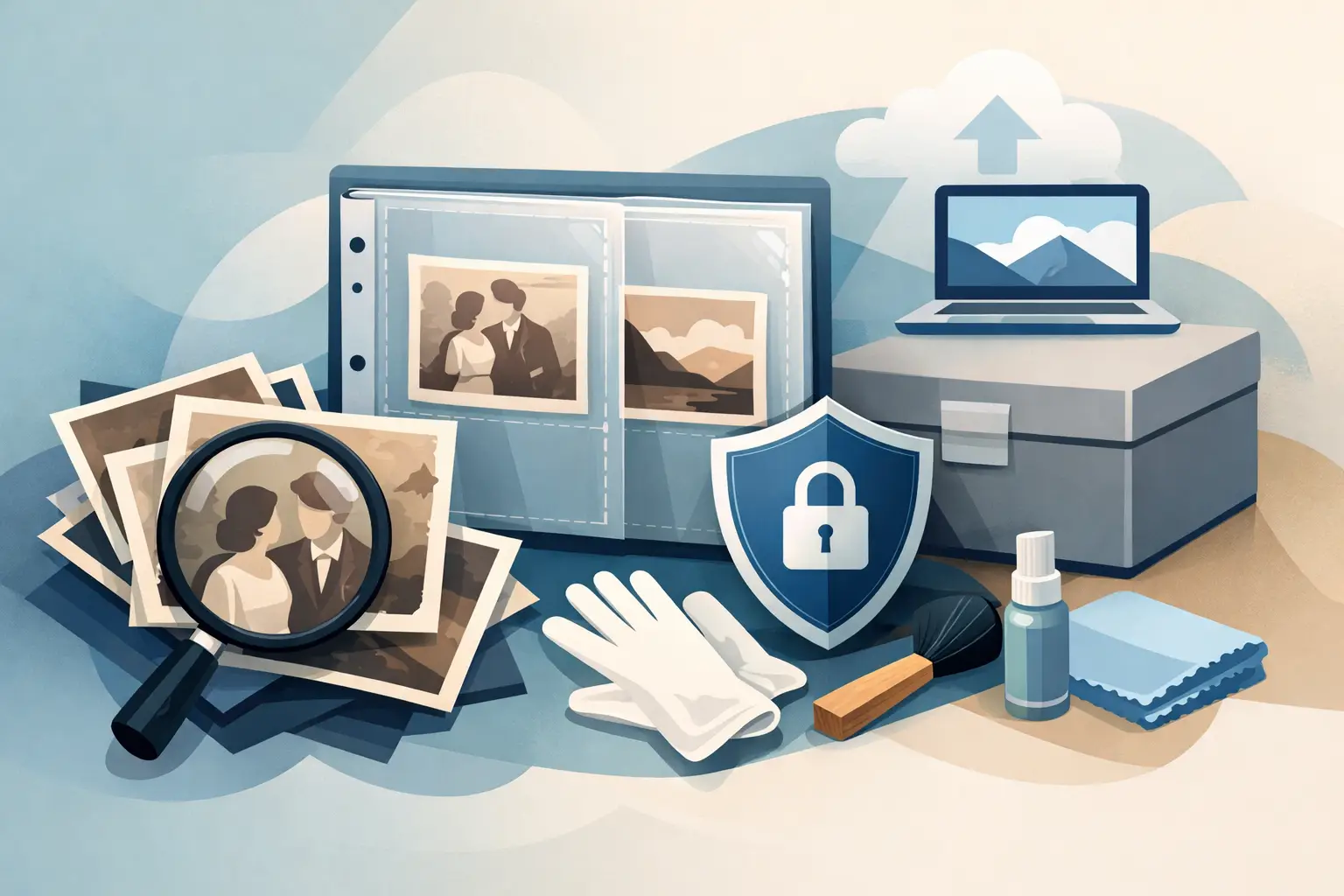
A box of photographs after grandparents often reaches the bottom of a cupboard only when we notice faded faces, bent corners or prints stuck together. The problem is that photographic paper ages quietly, and one flooded album or a house move can take the family’s only copy of an important memory. How to protect old photographs from damage without exposing them to further harm? It is best to work on two tracks: look after the physical originals and create their digital copies.
Why do old photographs deteriorate faster than it seems?
The greatest enemy of a photograph is not always time. It can be everyday storage in a place that seems safe: in an attic, a cellar, by a radiator or in a tight plastic box. Swings of temperature and humidity cause paper to wave, mould to develop and layers of the print to peel. Light, especially sunlight, gradually weakens colours and contrast.
Apparently innocent actions also harm. Looking at photographs over coffee, signing them with an ordinary ballpoint, sticking them with tape or putting them in albums with self-adhesive pages can leave lasting marks. Such an album can, years later, hold a photograph so tightly that an attempt to remove it ends with tearing of the emulsion.
With prints from the 1950s, 1960s or 1970s it is worth remembering that each photographic technique ages differently. Black-and-white photographs may yellow or silver; colour ones often lose intensity and shift towards red or yellow. That does not mean they are lost. It does mean they need calm, considered protection.
How to protect old photographs from damage at home
Start by choosing the right place. The best is a dry, darkened room with as stable a temperature as possible — not a garage, not a cellar and not an attic. Photographs tolerate conditions close to those in which a person lives comfortably. They do not need special cooling, but moisture, heat and sudden changes of surroundings definitely do not serve them.
Store prints flat, in archival boxes or envelopes meant for photographs. Acid-free materials reduce the risk of yellowing and chemical reactions with the paper. If you use an album, choose one with pages without PVC, glue and aggressive films. Photographs should not be squeezed or bent when the album is closed.
Before sorting the archive, wash and thoroughly dry your hands. With very old, fragile or dirty prints, thin cotton or nitrile gloves help. Hold photographs by the edges, not by the image surface. Fingerprints contain grease and moisture that can remain visible over time.
Do not try to remove stubborn dirt with water, glass cleaner, an eraser or household cleaning agents. Even gentle rubbing can wear away the image layer. Dust on a loose surface can be removed carefully with a very soft brush, but photographs with mould, stuck together, cracked or flooded are better set aside and handed over for professional assessment.
What to do with an album that cannot be taken apart safely?
Do not tear photographs from the pages only because you want to scan them. Many family albums have value in themselves: they hold captions, the sequence of events, tickets, cards and handwritten notes. If photographs are stuck, it is better to digitise the whole page or use a scanning method that does not require peeling the print off.
It is also worth photographing the cover, captions and layout of the pages. Then the digital archive keeps not only single portraits, but also the context of family history. A First Communion photograph without a date or a house photograph without a caption may, in a few years, be hard to recognise even for those closest to you.
Digitisation creates a copy that chance cannot take away
Even a well-stored original remains vulnerable to fire, flooding, loss or accidental damage. Digitisation does not replace prints, but it gives them a second, safer life. A high-quality scan lets you view the photograph, share it with siblings and prepare a new print without constantly taking a precious original out of a box.
For family prints it is worth choosing scanning at a resolution of at least 600 DPI. Such a file works well on screen and for a reprint in a similar format. 1200 DPI makes particular sense for small photographs, ID portraits, fragments that need enlarging, or prints that will be retouched.
The file format also matters. JPG is convenient for viewing, sending to the family and display on a digital frame. TIFF takes more space, but keeps more data and is a good choice for people who want an archival copy for further work. The most practical approach is to keep source files in full quality and additionally prepare copies that are easy for everyday use.
Scanning on a home device can suffice for new, undamaged prints. When photographs are fragile, very small, wavy, have scratches or need faithful colour rendering, it is safer to choose a service that works on suitable equipment and knows how to handle archival materials. At StareZdjęcia prints can be handed over in person or sent by courier, and after digitisation you receive protected files and the return of insured originals.
Retouching should restore a memory, not change history
Scratches, stains, yellowing and small losses can often be reduced digitally. Well-done restoration brings back the readability of faces, clothes and background, but it should not create an artificial, smoothed version of the past. A natural result matters more than an effect that looks attractive only for a moment.
It is similar with colourisation of black-and-white portraits. It can be a beautiful way to revive a family photograph, especially when you want to prepare a gift or a print. Treat it, however, as an interpretation based on historical credibility, not as a document of certain colours. If no one remembers the shade of a dress or the walls in a flat, it is worth keeping the original black-and-white version beside it as well.
Do not be afraid to leave some traces of time. Fine grain, the characteristic texture of paper or small imperfections are sometimes part of authenticity. The scope of retouching should depend on the intended use of the photograph: a family preparing a commemorative album has different expectations from a person who wants to enlarge a badly damaged portrait of a great-grandmother.
Keep digital copies in more than one place
A file on a computer is not yet an archive. Drives fail, phones are lost, and a USB stick hidden in the same drawer as the prints will not protect memories from flooding. A good rule is simple: keep digital photographs in at least three copies, on two different media, with one outside the home or in a safe online space.
That can mean a copy on a computer, an external drive and in the cloud. It is worth checking the drive from time to time and moving the archive to a new medium before the old one stops working. Memories are not secured once and for all — they need a short review every few years.
Give files simple, readable names. Instead of “IMG_0047” it is better to write “1984_holiday_Mielno_Kowalski-family”. If you do not know the exact date, use an approximation, for example “approx_1968”. A document with descriptions of people and events can be added to the folder. That small effort will, in a dozen years, be priceless for children and grandchildren.
Safe ordering starts with small steps
You need not digitise the whole archive in one weekend. First choose the photographs most at risk: loose prints, photographs with cracks, portraits of which only one copy exists, and images important to several generations. Then protect them physically and make digital copies.
Family photographs are not ordinary paper. They hold faces we will no longer meet, places changed beyond recognition and moments that sometimes only one frame recalls. It is worth saving them now, calmly and with care, before further years start taking their details away.